
4.6 KiB
| title |
|---|
| Packing Guide |
Packing the cases shouldn't be too complicated, but a few details need special attention.
!!! info ""
Other than shown in previous pictures, do not place both cases with their wheels in the same direction as this will lead to a shifted center of gravity more prone to tipping.
Place one case with the wheels to one side and the other to the other side -- ideally with the latches in the middle so they don't get opened accidentially.
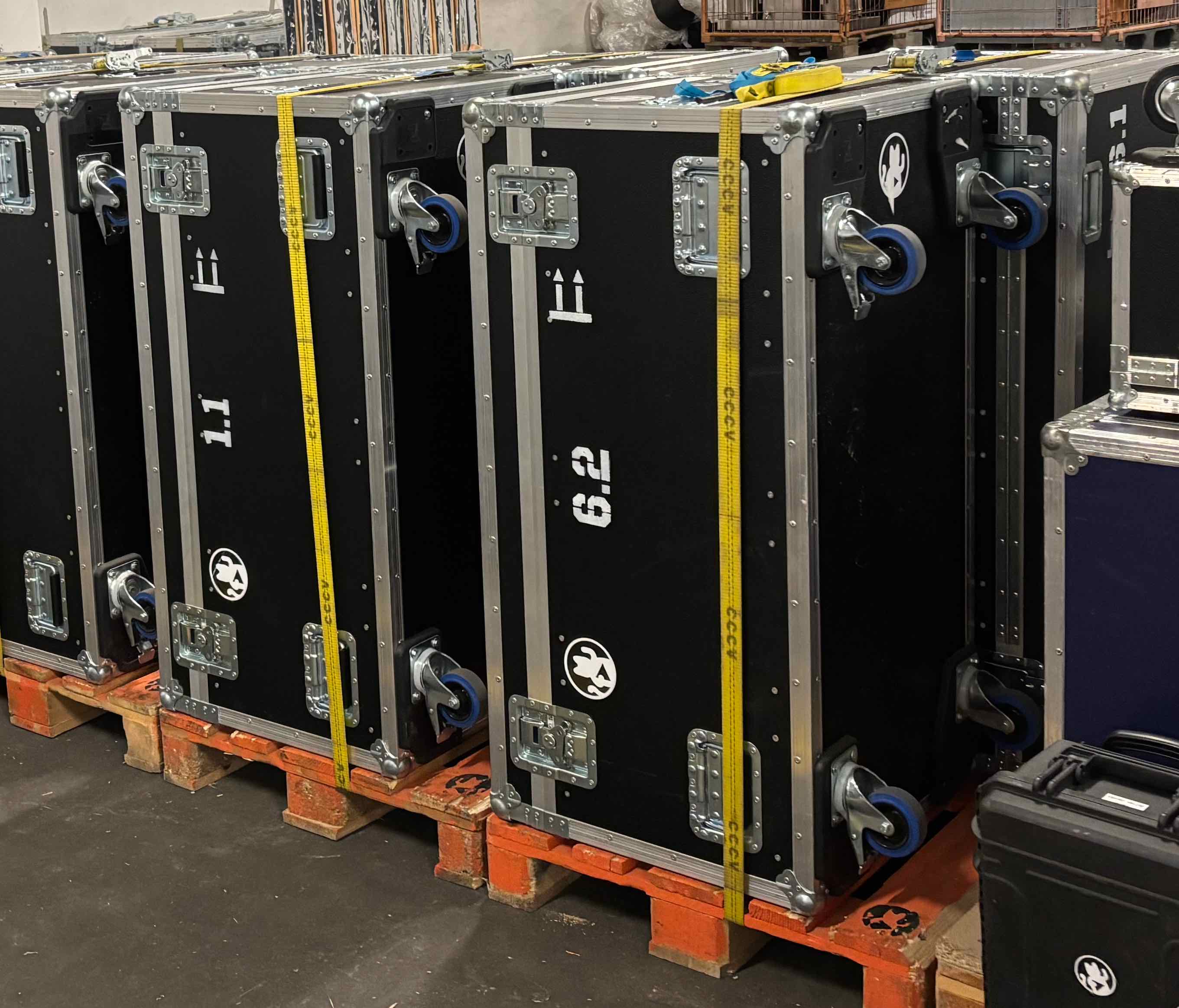
Case x.1
Compartments (from left to right):
- Power cables: Schuko extension cords, power strips, schuko to TRUE1, schuko to C13, cable mats
- Accessories (back tower): Intercom box, ethernet box, audio and DI box
- Accessories (front tower): Batteries and lucky cat box, tape box, embedder and converters box
- Accessories (sorting box): Small adapters box
- Camera: Tally box, Mixer laptop box, Camera box
- XLR Cables: Multiple XLR cables and Headphones (in a bag)
- Video Cables: Multiple SDI and HDMI cables
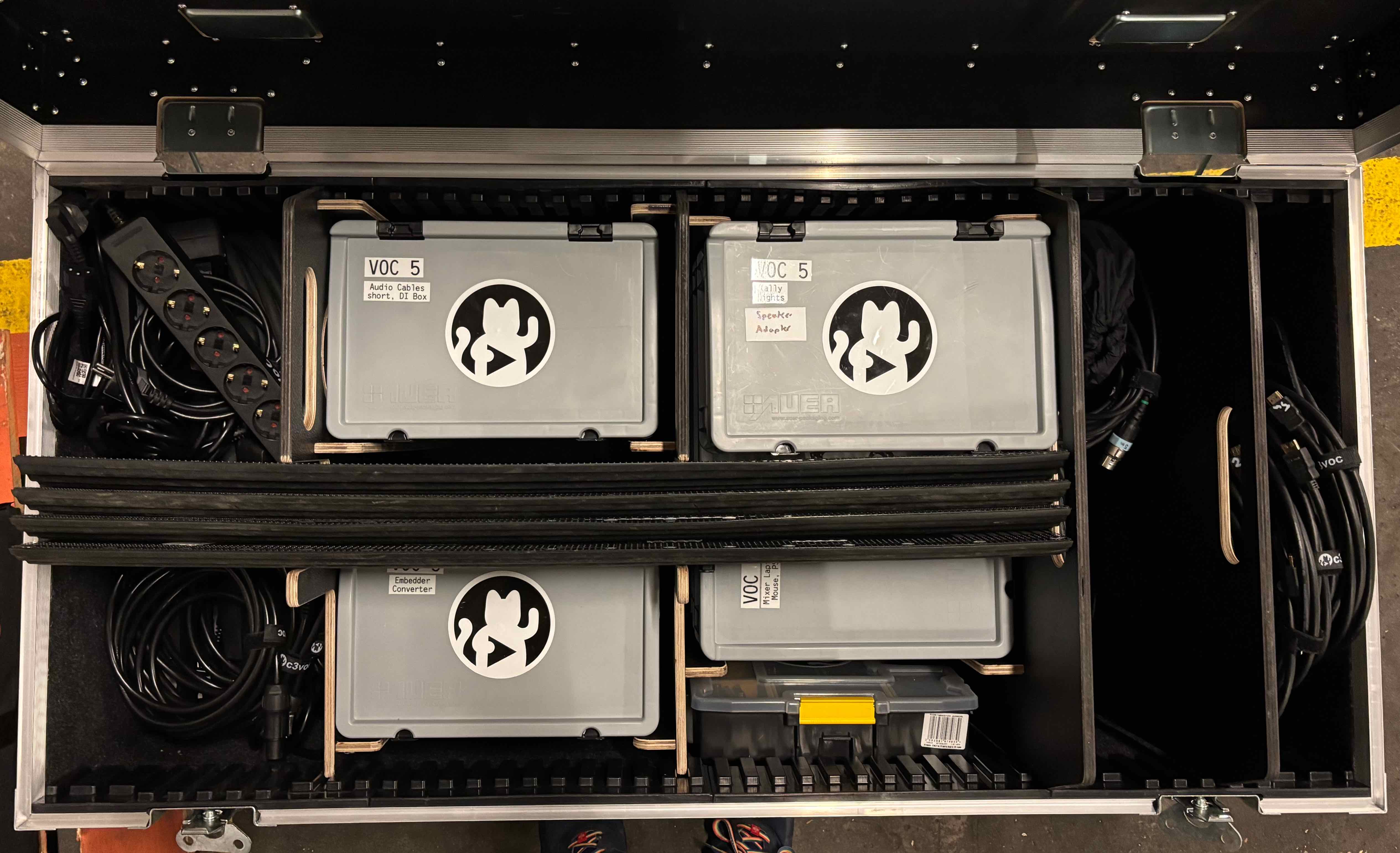 (Case shown without tripod to show location of the sorting box)
Fitting the Tripod
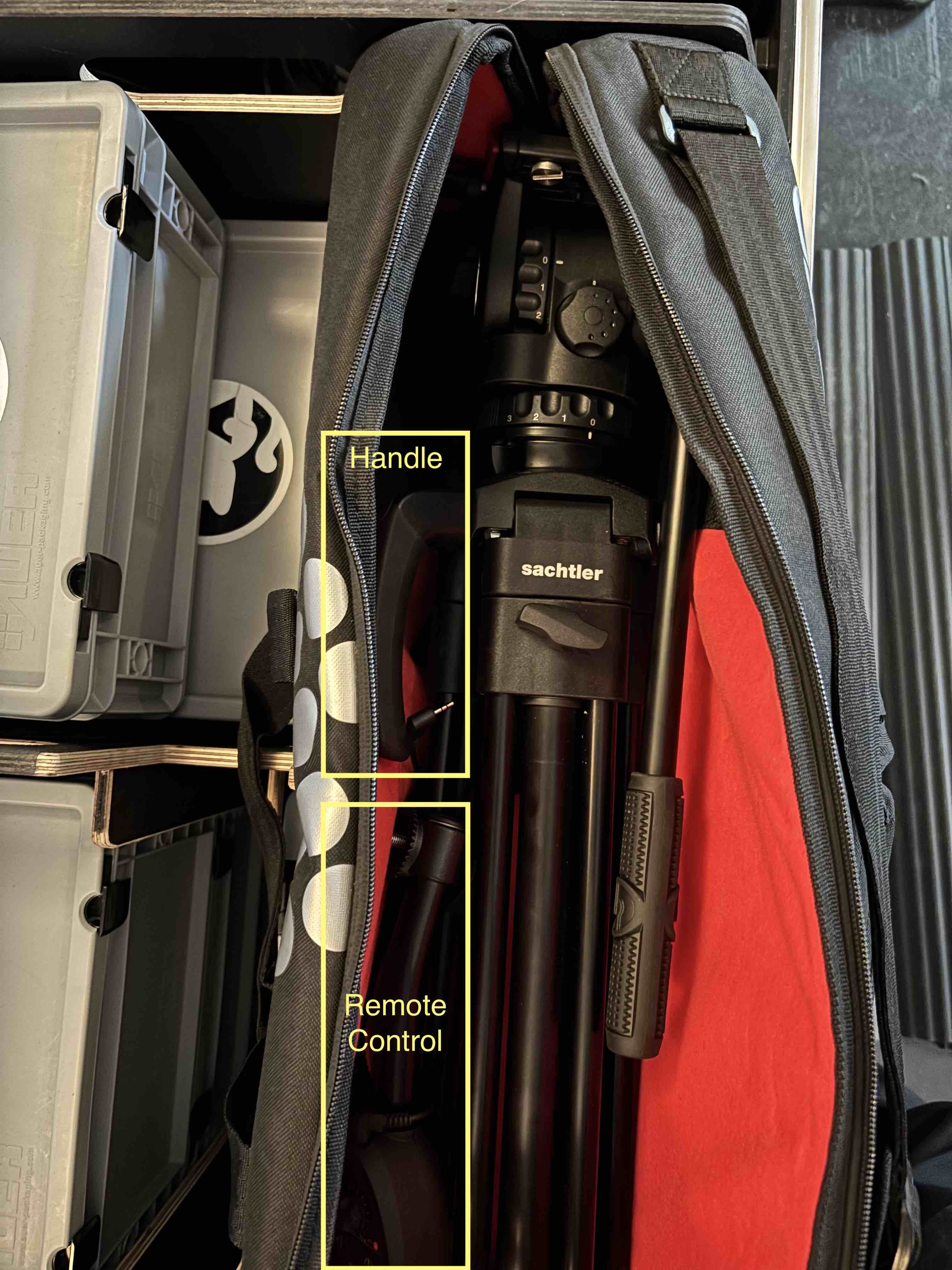
!!! info "" Put all dampers (pan, tilt, counterweight) on zero and loosen the breaks before storing the tripod in the bag. This way, everything can move to fit snugly.
 { align="right", width="250" }
The carrying bag of the new Sachter Ace M Mk II tripods got bigger than the old generation which means that the space in the case is quite tight.
{ align="right", width="250" }
The carrying bag of the new Sachter Ace M Mk II tripods got bigger than the old generation which means that the space in the case is quite tight.
To make everything fit, place the tripod with the head to the right and carrying handle to the back (so it gets past the wooden compartment board). Otherwise the case lid may not close without forcing it.
Please also take care of the remote control and place it on top and away from the front edge of the case so that it can't be jammed when closing the lid. There should be enough space between the legs of the tripod.
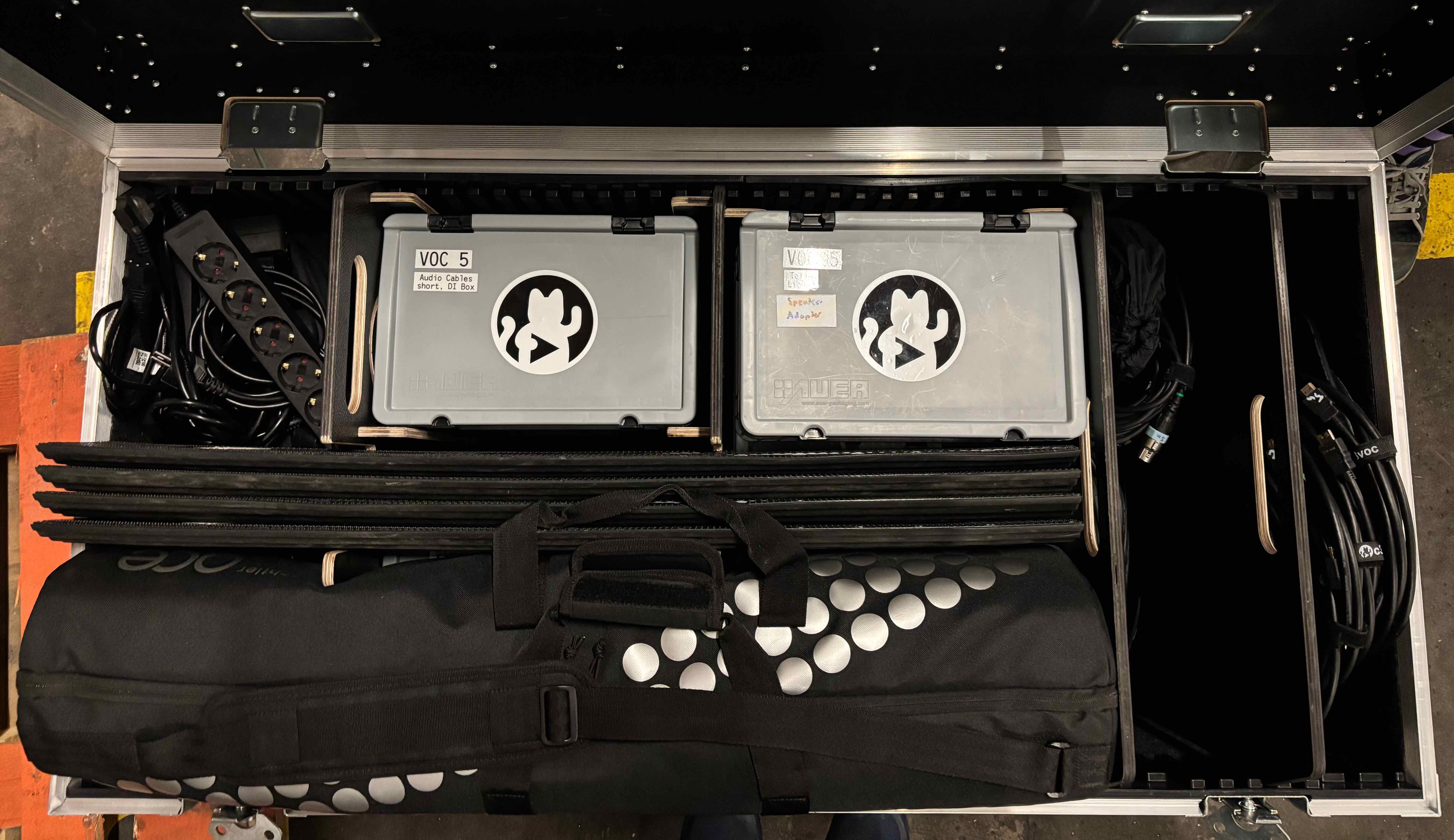
Fitting the Power Cables
It's recommended to put the rubber cable mats in the compartment first, then the long cables and the power strips on top.
Boxes
Box Camera
Place the camera in the big compartment on the bottom with the viewfinder folded down.
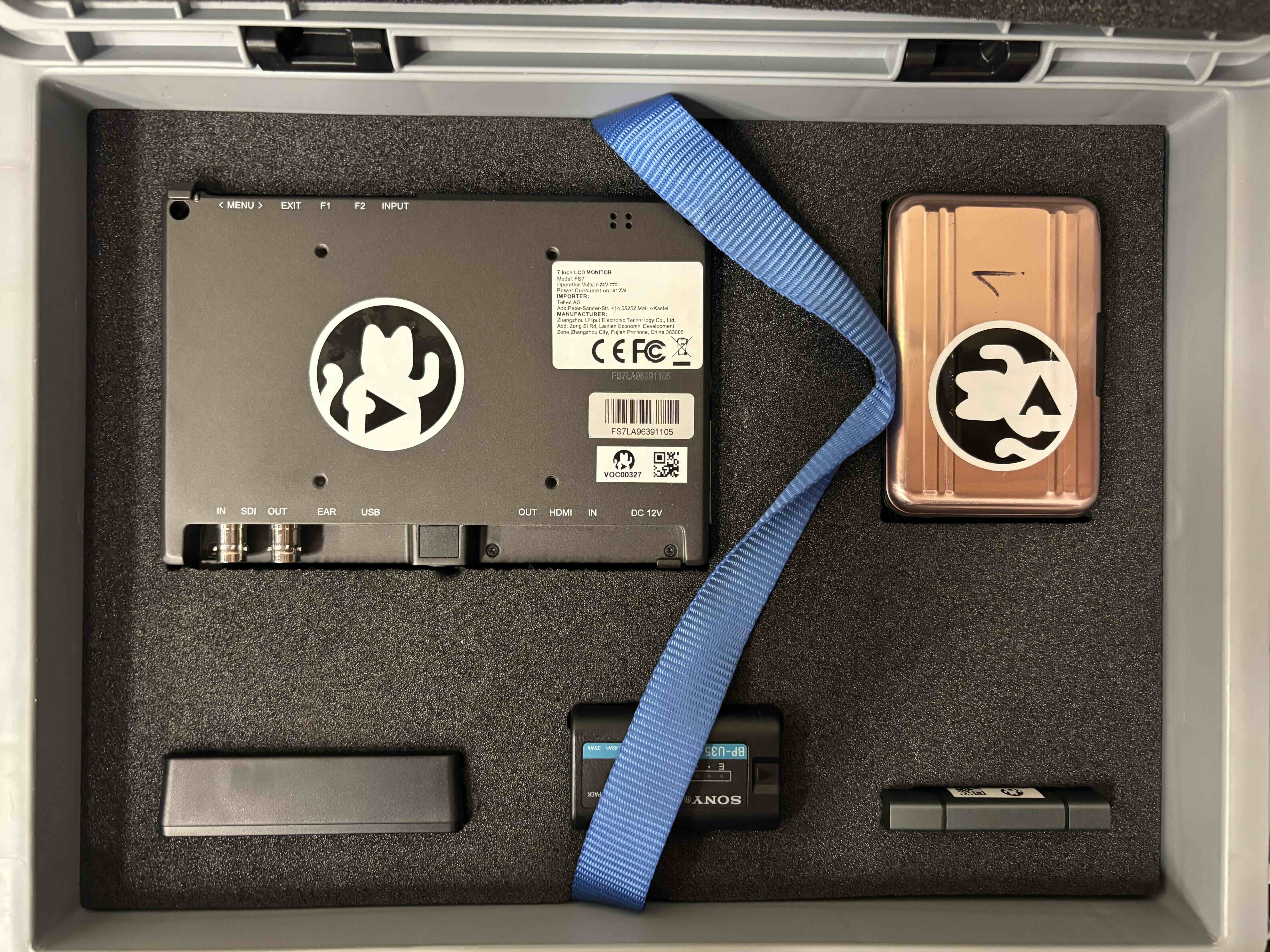
The small compartment can be used for the sun hood and monitor arm of the preview monitor as well as the power supplies of the monitor and camera.
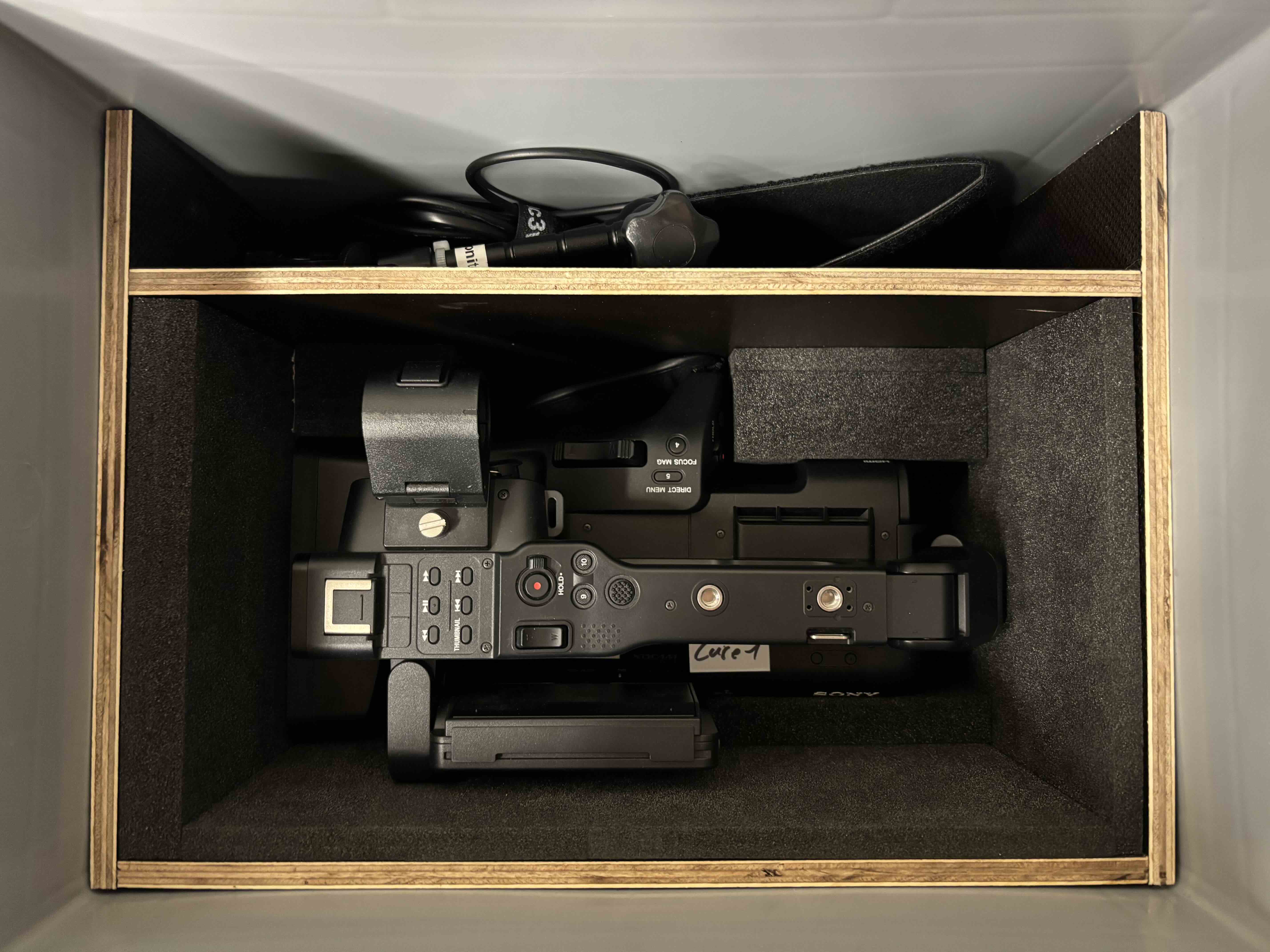
The top layer has holes for the different items.
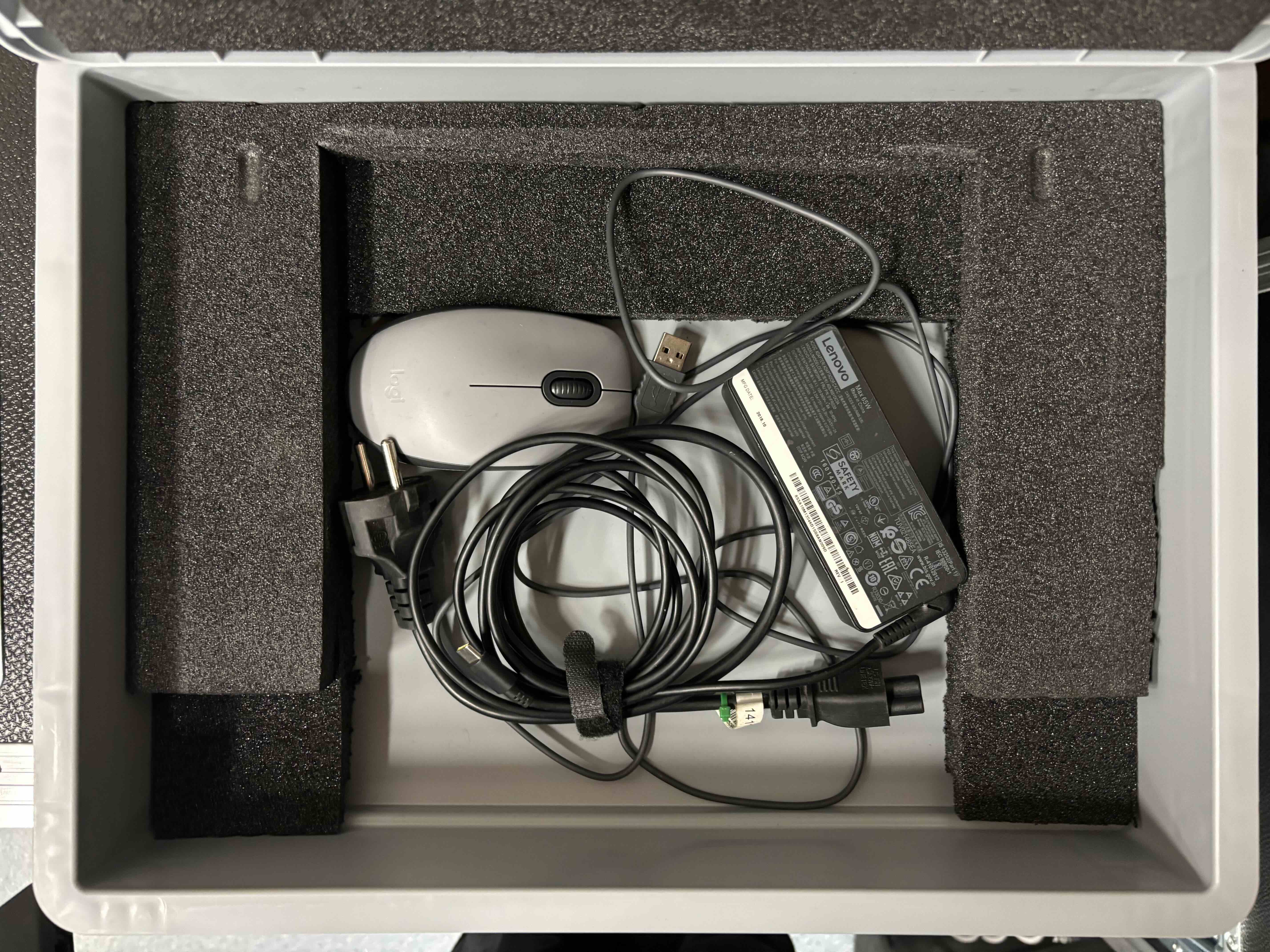
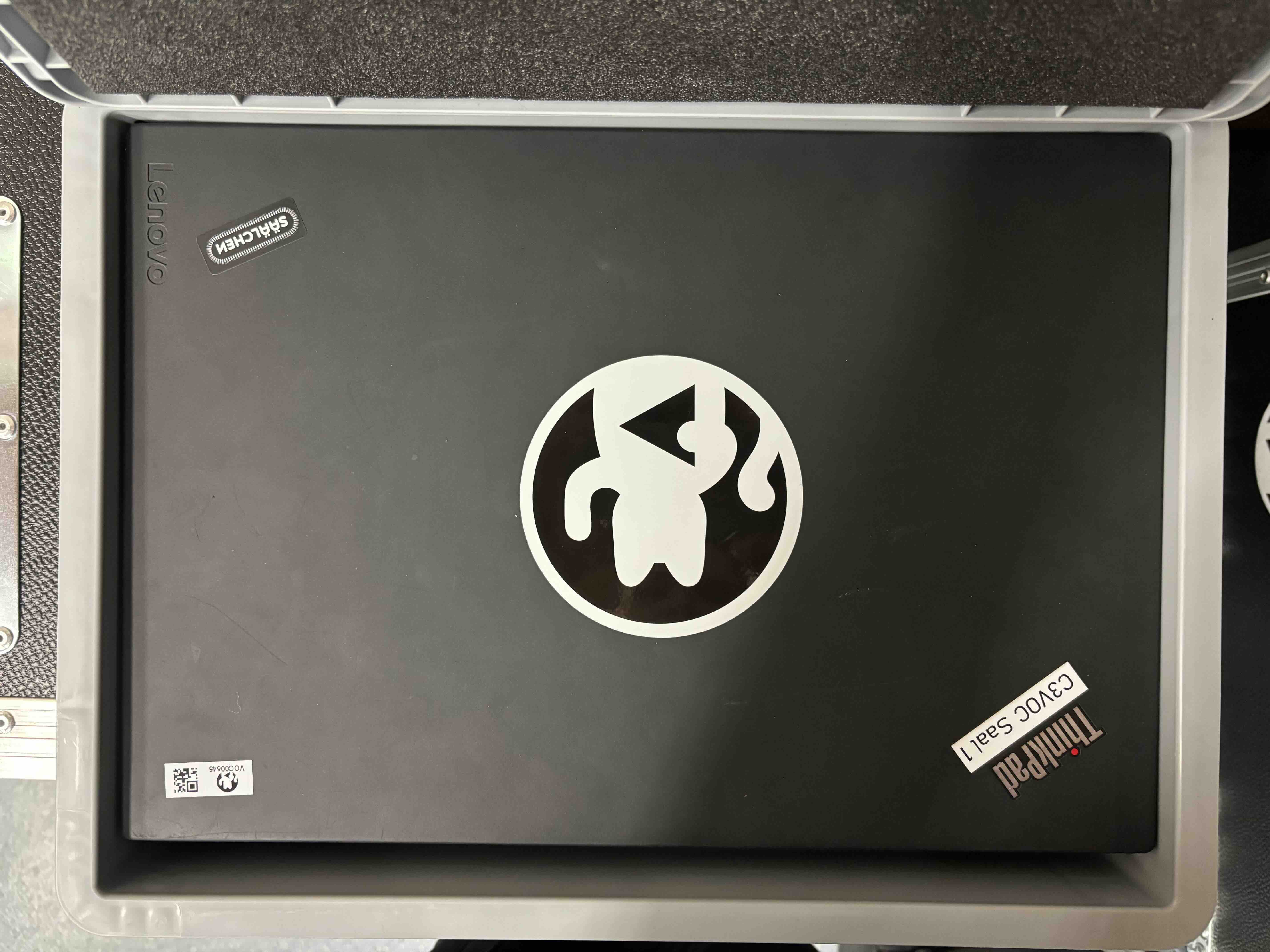
Box Mixer Laptop
TODO
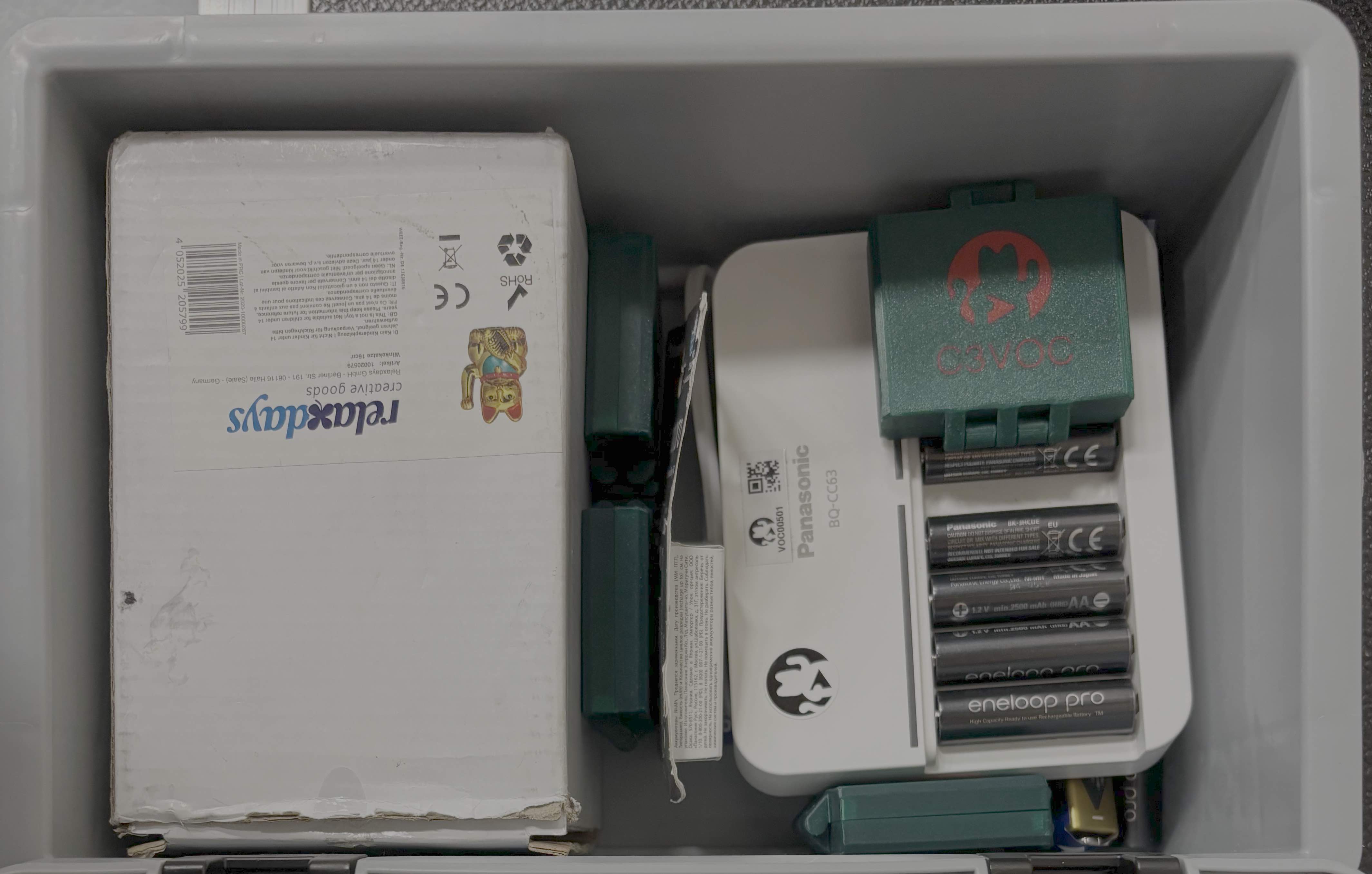
Box Winkekatze & Batteries
Just place all items in the box in a way that the lid closes.
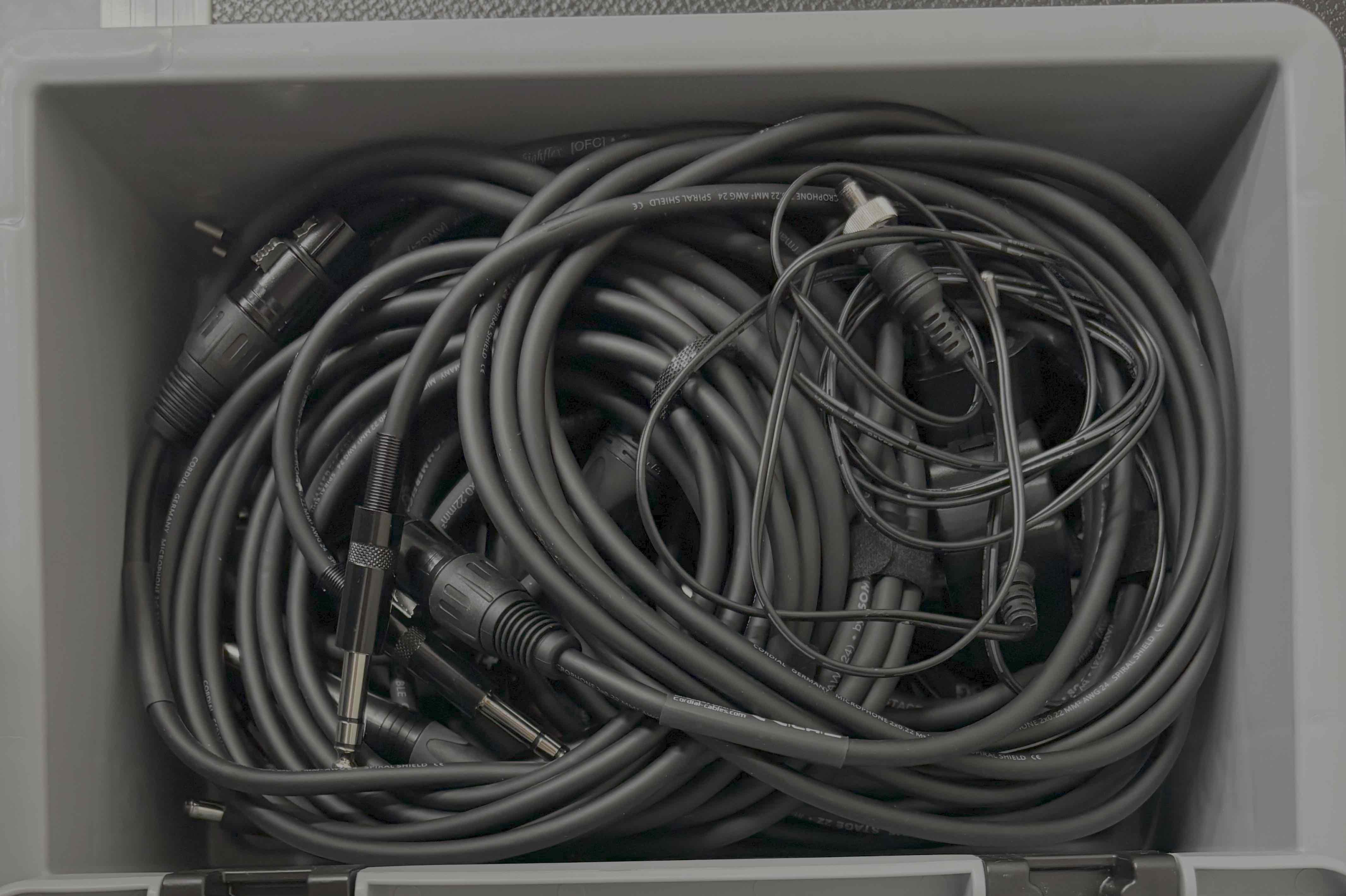
Box Embeder & Converter
Just place all items in the box in a way that the lid closes.
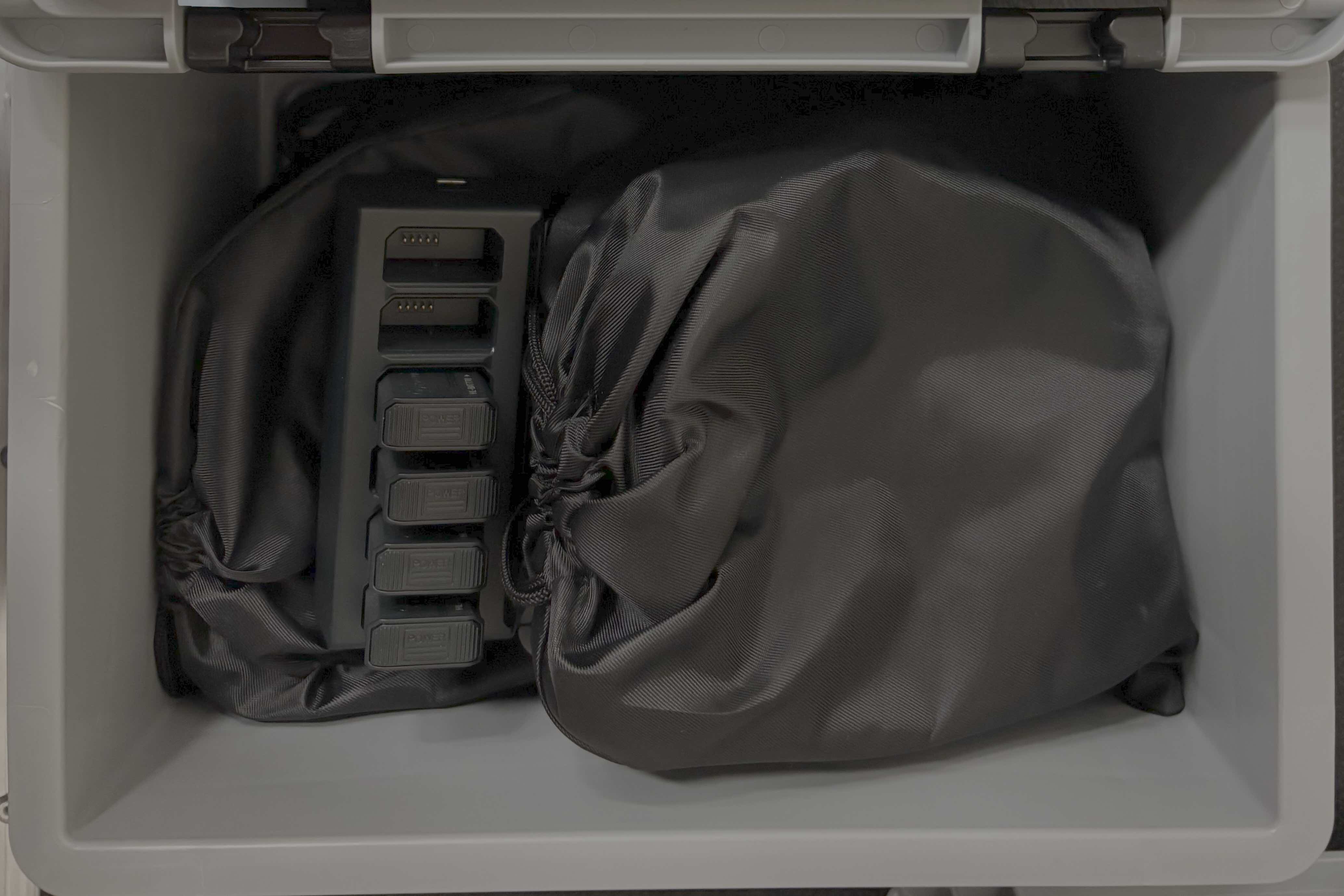
Box Intercom
Remove the batteries from the headsets, place the headsets in their pouches and put everything in the box.
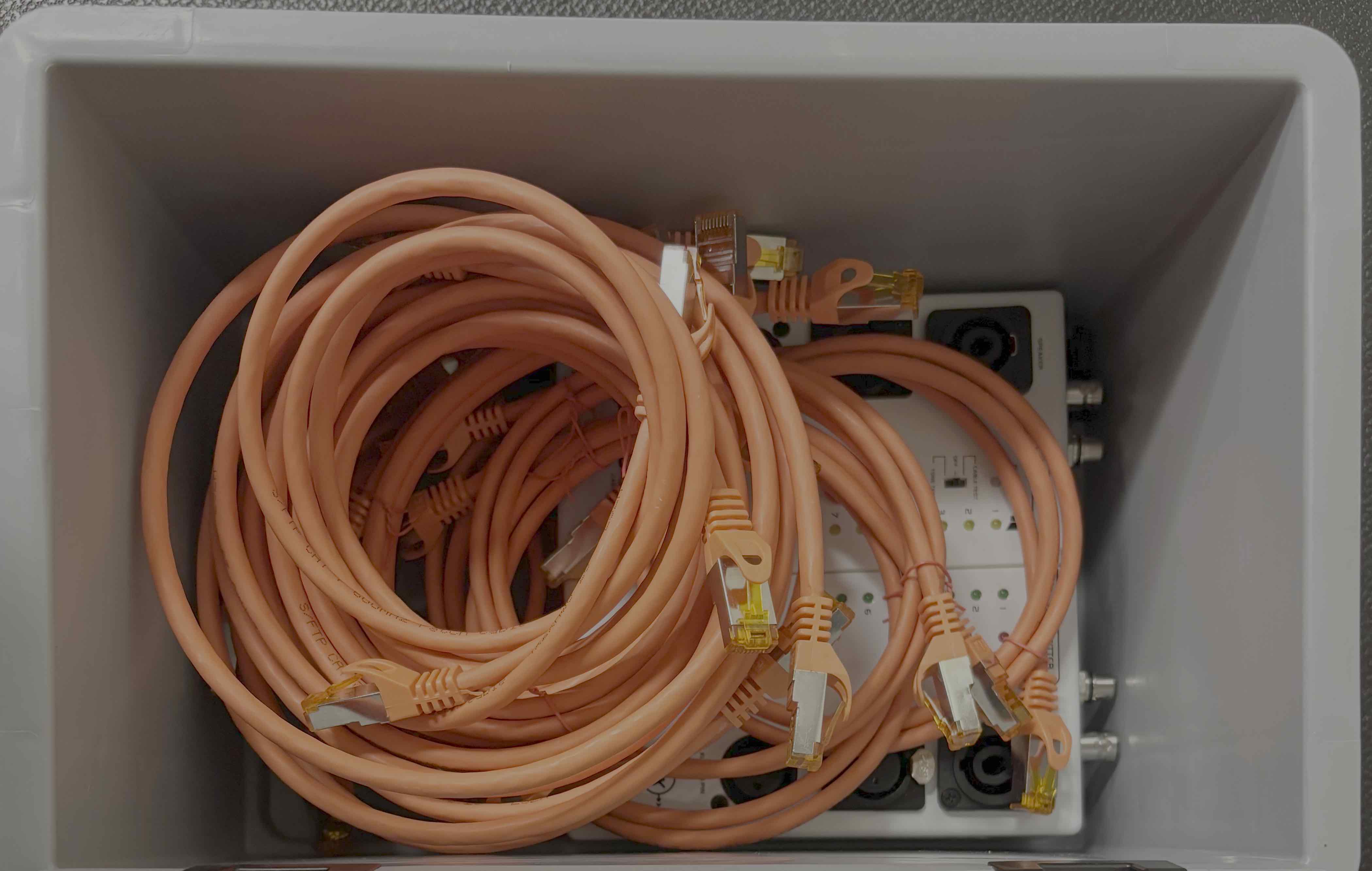
Box Ethernet
Just place all items in the box in a way that the lid closes.
Box Short Audio Cables & DI Boxes
Just place all items in the box in a way that the lid closes.
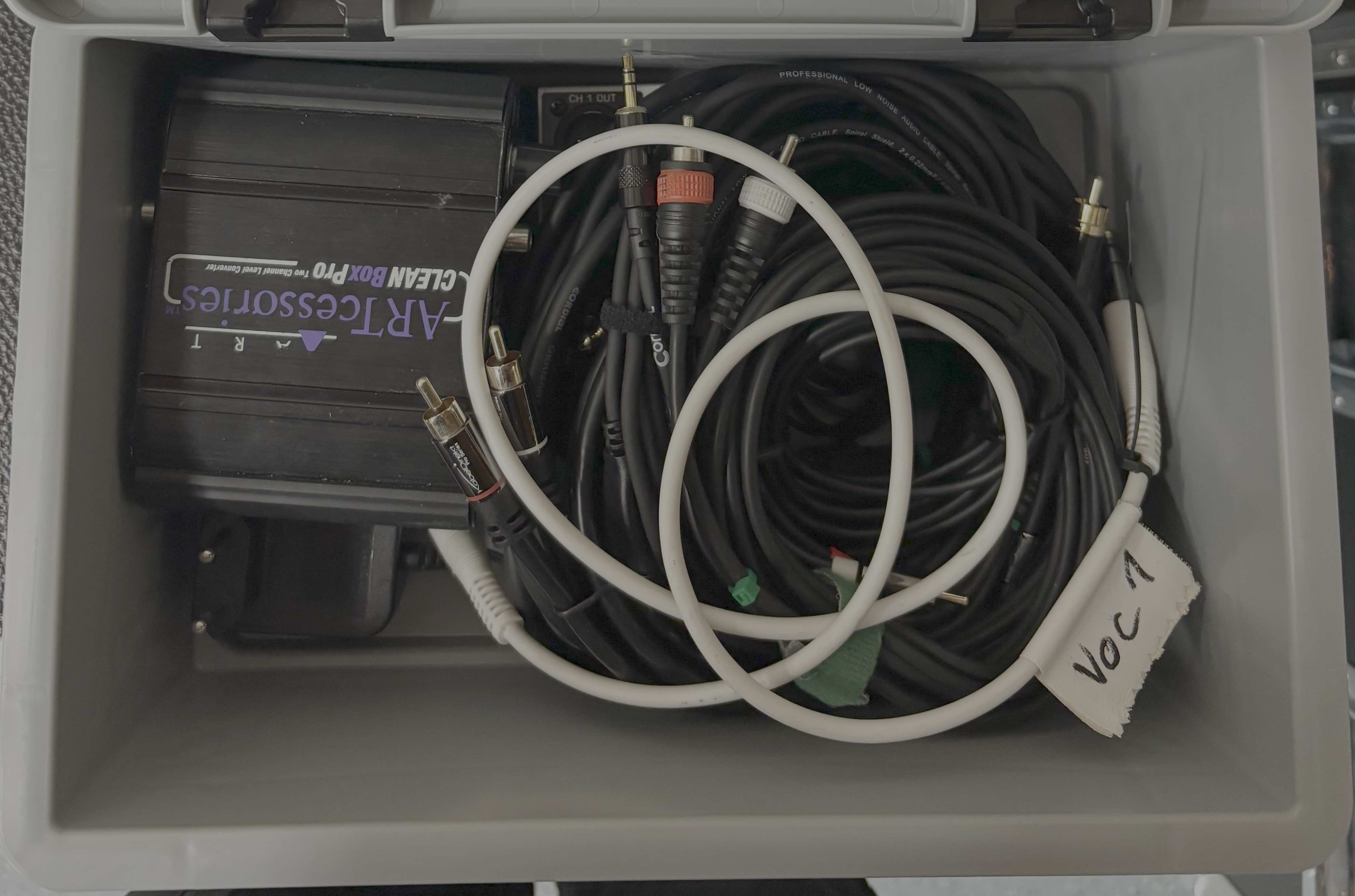
Case x.2
!!! info "" Place all modules with the bottom to the left. This way everything is "upright" when the case is loaded on the pallet.
Compartments (from left to right):
- FOH module (bottom side to the left)
- Supplies: c3lingo (currently only a placeholder) box, office box, minion box, microphones box
- Ethernet compartment: Multiple long ethernet cables
- Lectern module (bottom side to the left)
- Encoder module (bottom side to the left)
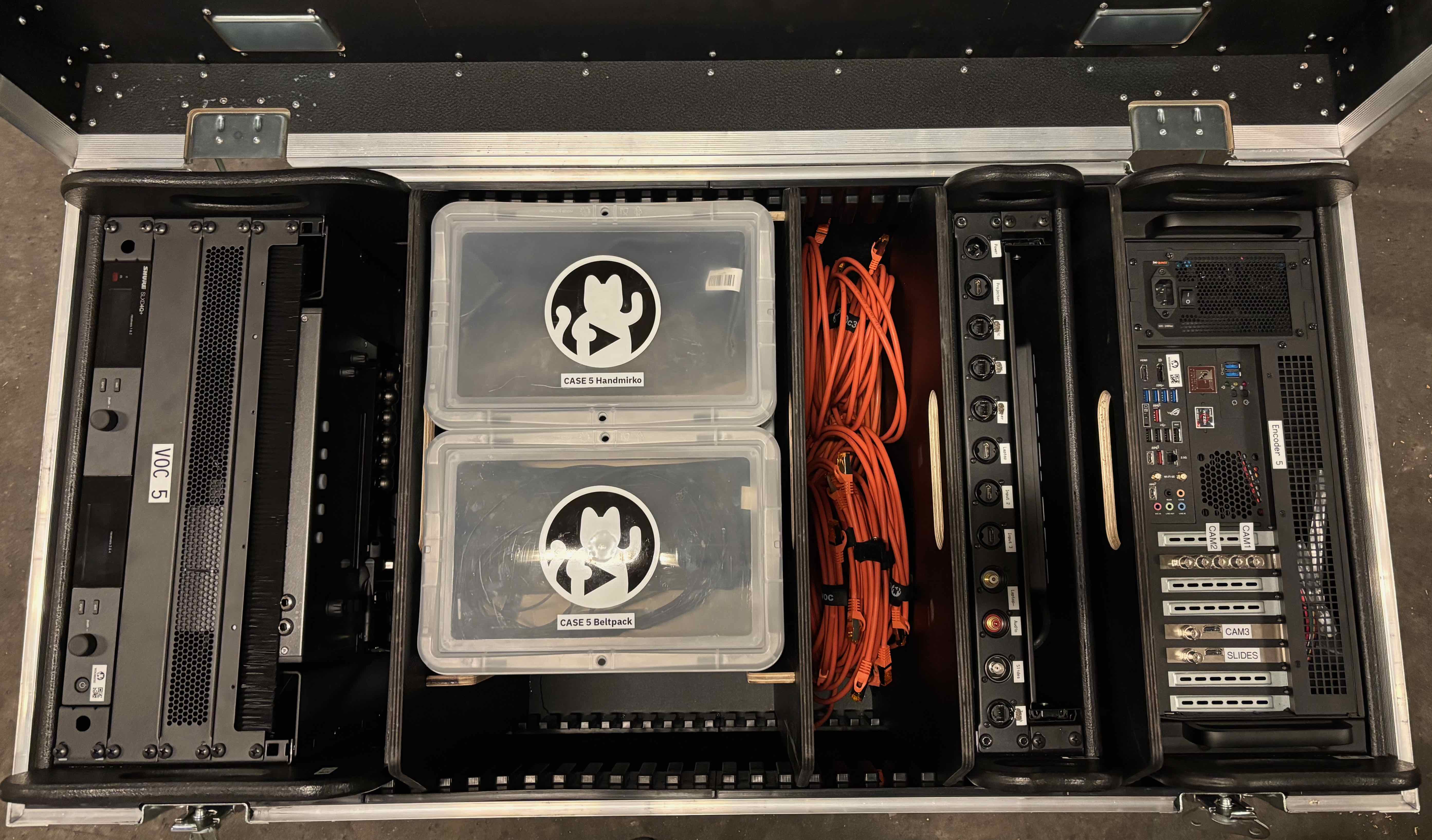 (Note that all modules have their feet on the left side to up upright when tipped!)
Boxes
Box Office
Just place all items in the box in a way that the lid closes.
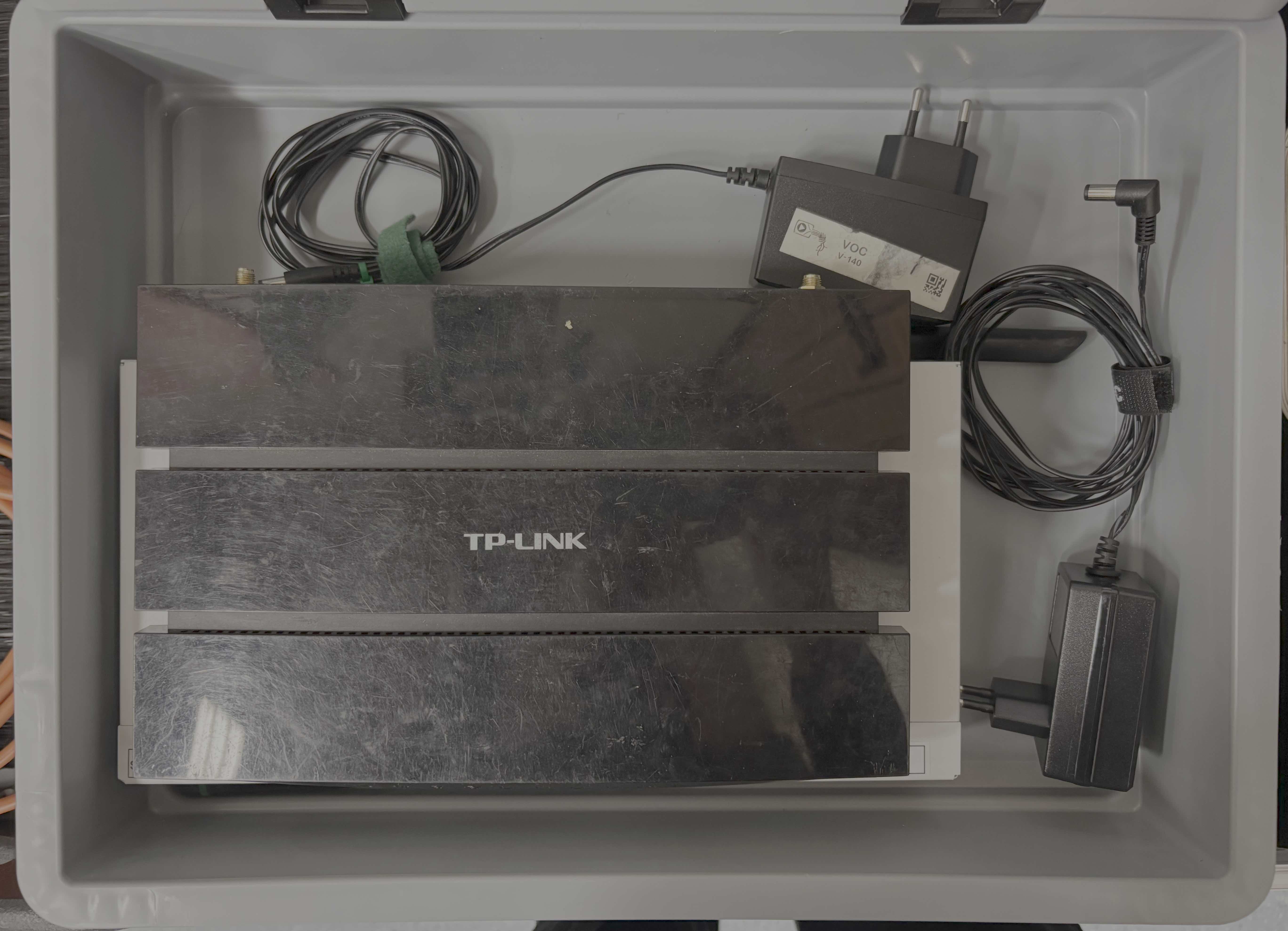
Box Minion
Place the mini PC in the padding and add the power supply at the side.
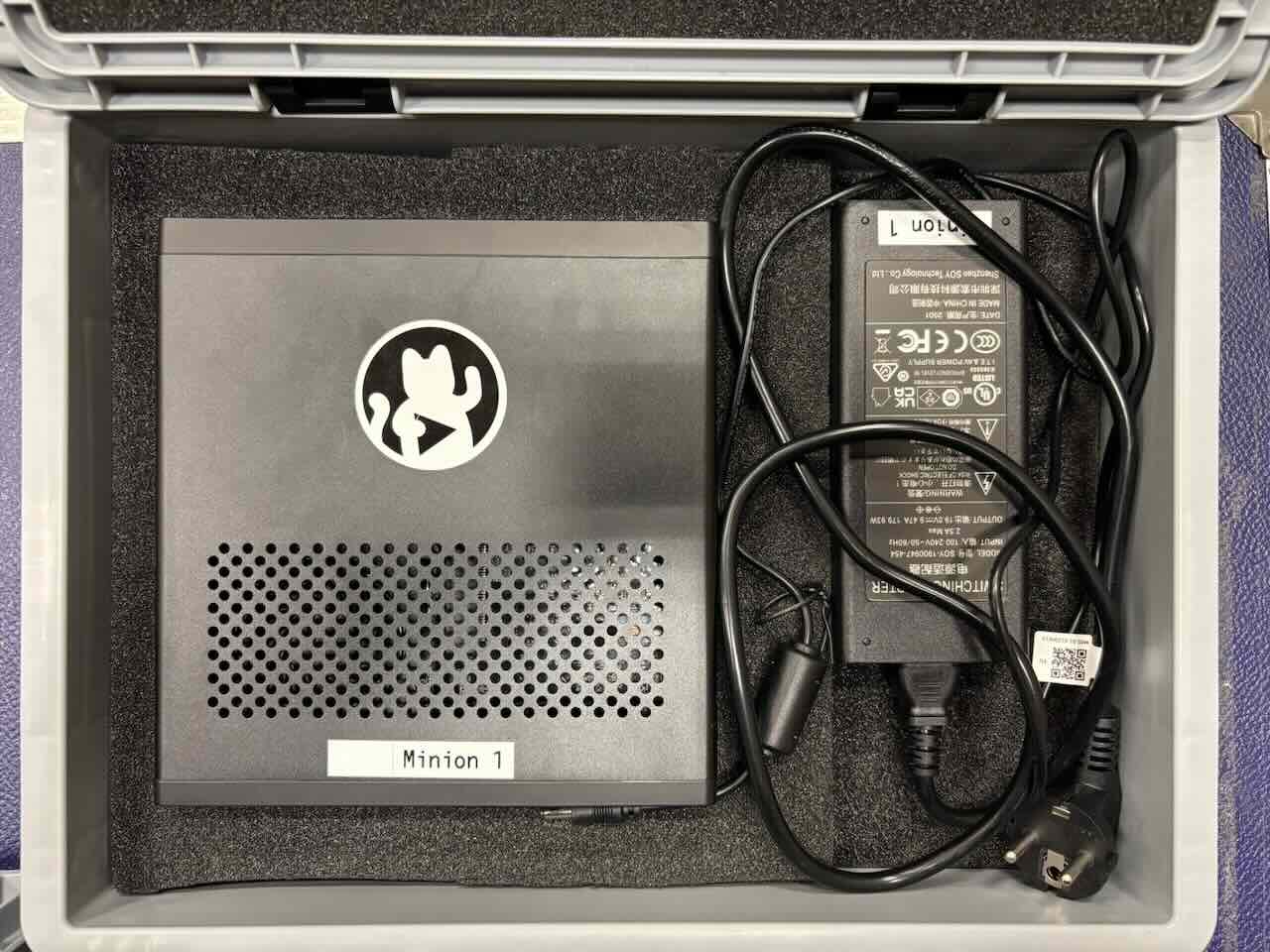
Box Handheld Microphones + Box Headsets & Beltpacks
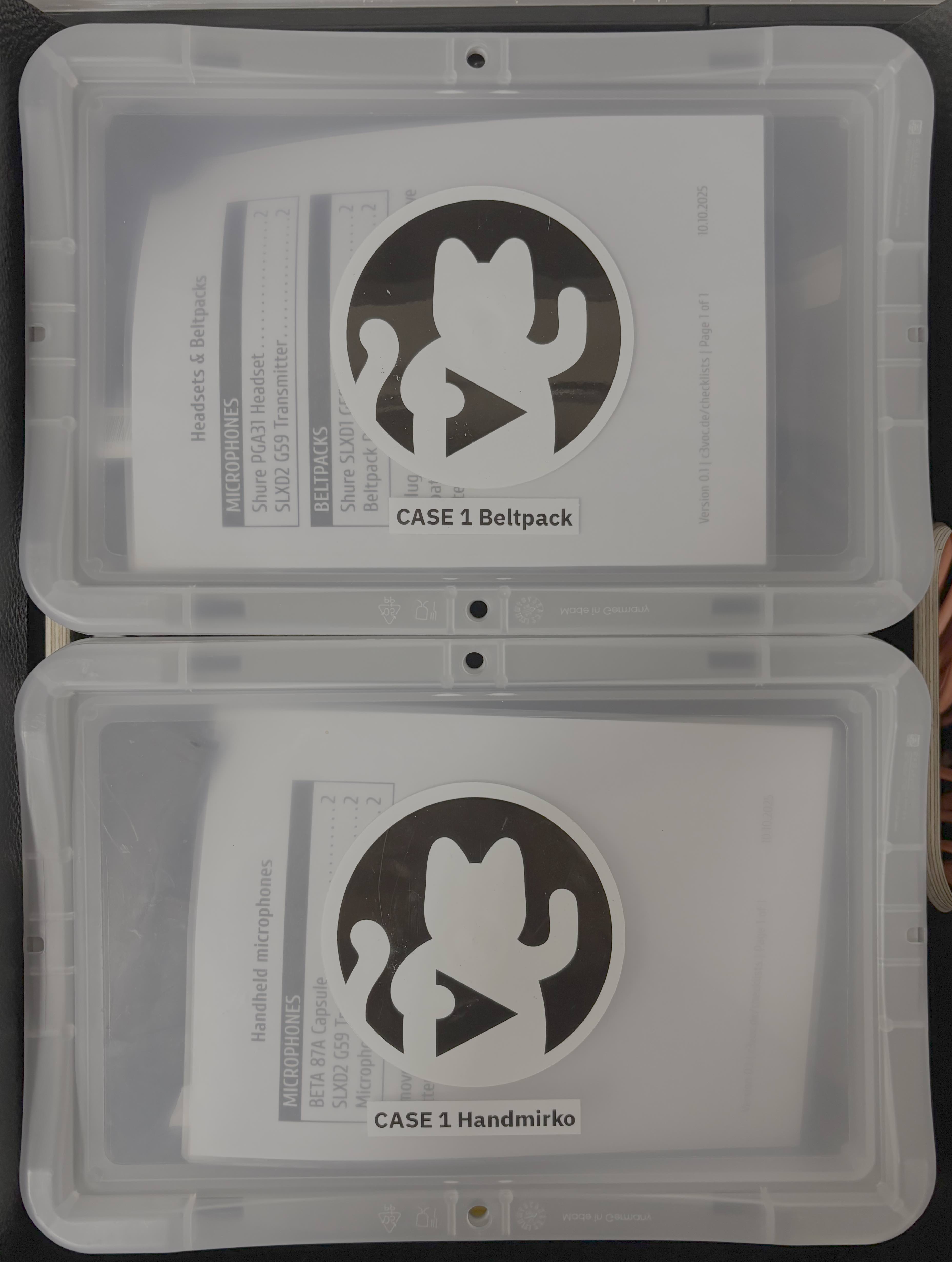 { align="right", width="250" }
Remove all batteries from the transmitters and place them in the batteries box.
{ align="right", width="250" }
Remove all batteries from the transmitters and place them in the batteries box.
Place the handheld microphones into their pouches and close the lid.
Unplug the headset microphones from the beltpacks, put the beltpacks in their pouches and place the microphones on top in a way that the lid closes.