 Vincent Mahnke
75a8d446e4
## Header 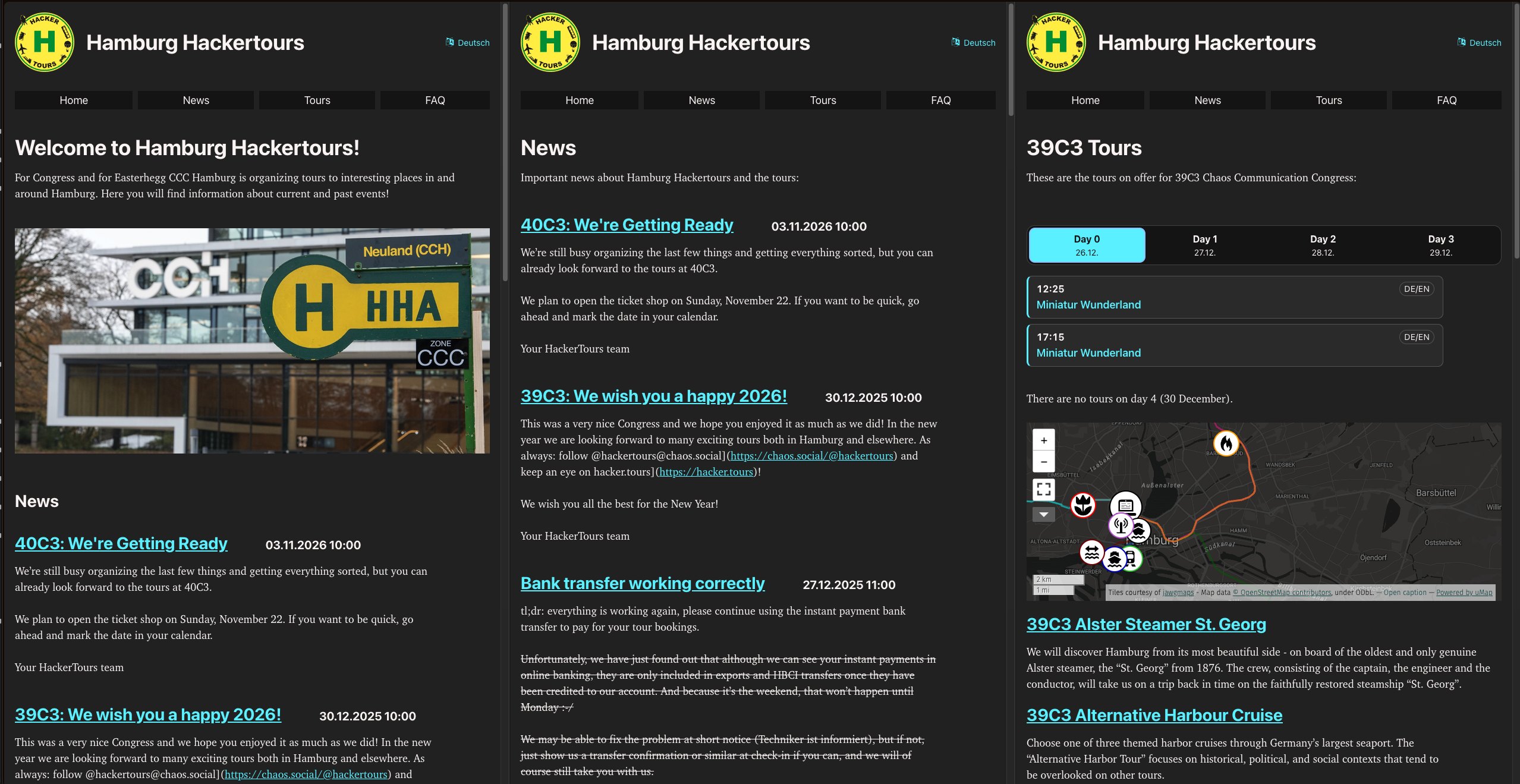 ## Mobile menu | | | | --- | --- | | 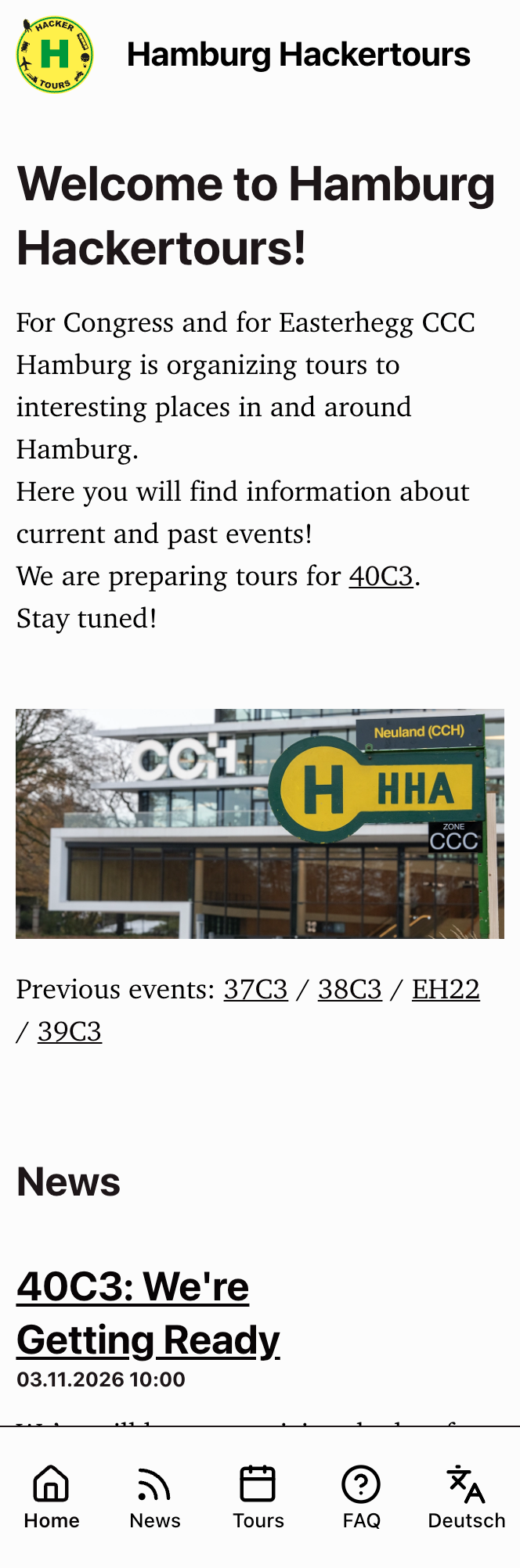 | 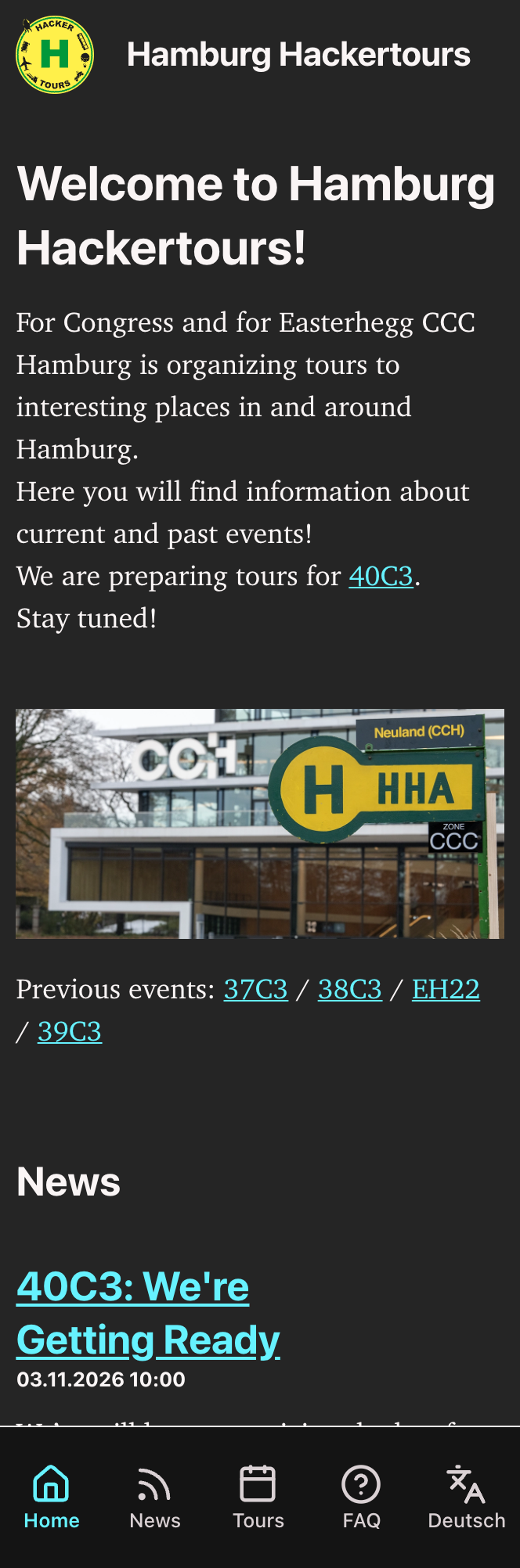 | Reviewed-on: #68
5.8 KiB
Hackertours Web Site
Complete the checkout
We need the submodule for the theme, so update/clone the submodules:
git submodule update --init --recursive
Run in dev mode
hugo server --buildFuture --buildDrafts
Then open http://localhost:1313
The header uses the logo dimensions in hugo.yaml in both languages, without
shrinking the logo to fit the text. With JavaScript enabled, screens up to 666px
wide use a flat, borderless full-width menu button at the bottom and a scrollable
panel above it. The language link spans the panel's content width, includes the
translation icon, and uses the same font size as the menu links.
The page reserves space for the button so it does not cover content.
Brand spelling check
Hugo builds check content source lines for the name Hackertours in any other
casing and report the file and line as build errors for pages included in the
build. URLs, email addresses, social handles, Matrix room addresses and
Markdown link destinations are excluded. Commented-out content is checked too,
so it is ready to publish.
For an intentional exception, add <!-- hackertours-lint-ignore --> at the
end of a Markdown line, or # hackertours-lint-ignore at the end of a YAML
front matter line. This ignores that entire source line, so keep unrelated
occurrences on other lines.
Shortcode: Language badge
Use the lang shortcode to mark whether a tour is in German, English or bilingual. It renders a small superscript badge next to the text, with details when hovered over or parsed by a screenreader.
- German:
{{< lang de >}} - English:
{{< lang en >}} - Bilingual:
{{< lang deen >}}
Shortcode: Tour schedule
The tour overview of an event (content/*/<event>/_index.md) shows the schedule with {{< schedule >}}. It reads data/schedule/<event>.yaml, which is shared by both languages:
days:
  - day: 1
    date: "2025-12-27"
    tours:
      - { time: "11:30", tour: xfel, lang: deen }
      - { time: "12:00", tour: city-walk, lang: de }
touris the slug of the tour page in the event section. The card shows that page's title, without the event prefix, and links to it.langisde,enordeen, or a list of these. It renders the same badge as thelangshortcode.timeisHH:MMwith a leading zero (09:30). Tours are sorted by time, so their order in the file doesn't matter.title(optional) replaces the page's title on the card, with one entry per language:title: { de: "Hafen am Abend", en: "Harbour by Night" }.status(optional):soldoutmarks the tour as fully booked. Other values are ignored.
For the events managed with Hackertours-Admin, the data file is generated by its website sync; don't edit it by hand.
Wide screens get one column per day on an hour grid, with tours that start at the same time side by side. The first column shows the hour wherever the first day has no tour in it. On narrow screens a day picker shows one day at a time, starting with today's day during the event.
For a different event than the page's section, pass its name: {{< schedule 39c3 >}}.
Without a data file, or without any tours in it, the shortcode renders nothing and the build logs a warning. To silence it, for example for an upcoming event, add warning-schedule-empty to ignoreLogs in hugo.yaml.
Shortcode: Image gallery
{{< gallery >}} shows a page's photos as square thumbnails, two per row on wide screens and one per row on narrow ones. Clicking a thumbnail opens the full image in a lightbox with its alt text and credit; with more than one image, arrows (on screen, the arrow keys, or swiping) move between them, and Escape, the close button or a click beside the image closes it.
{{< gallery >}}
{{< gallery-image src="hafenrundfahrt1.jpg" alt="Containerschiffe „HMM Dublin“ und „Ever Greet“ im Hafen" credit="© Wikipedia-User CC BY-SA 4.0 Shotbyp4ul" >}}
{{< gallery-image src="hafenrundfahrt2.jpg" alt="Das Speicherstadtrathaus" credit="© Wikipedia-User CC BY-SA 3.0 Magnus Manske" >}}
{{< /gallery >}}
| Param | Required | Content |
|---|---|---|
src |
yes | The image: a file in the page's folder, or a path in assets/. It must be a photo Hugo can resize (JPEG, PNG, WebP…), not SVG. |
alt |
yes | What the image shows. It is the thumbnail's alt text and the caption in the lightbox. |
credit |
no | Photographer and licence, shown under the thumbnail and in the lightbox. |
Hugo crops the thumbnails to squares (keeping the most interesting part of the picture) at build time; the lightbox shows the original file. Without JavaScript, a thumbnail links to the original file. A missing image, a missing alt or a gallery-image outside a gallery stops the build with an error that names the page.
Accessibility check
CI runs pa11y-ci with the axe and HTML_CodeSniffer rules for WCAG 2 AA on every push and pull request, in its own job (accessibility), so findings show up without blocking the deploy. To run the same check locally (needs Node.js, Python 3 and Chrome or Chromium):
./scripts/pa11y.sh
The script builds the site, serves it on localhost:8080 and checks every page in the sitemaps, except the past events and the individual news posts, which are kept as they were. The list of skipped sections is EXCLUDE in scripts/pa11y.sh; the rules are in .pa11yci.json. pa11y only checks the light colour scheme.
Some things to keep in mind when writing pages:
- Give every image an alt text that says what it shows. The image title is the photo credit (
); it is shown below the image. - Headings in a page start at
##;#is the page title. - Don't put information only into images, like directions on a map; write it out as text as well.